Background/Motivation
I remixed the original model from @AdamL to make this ice-melt shaker even better for handling stuff like salt on those slippery winter days.
Model Design/Modeling
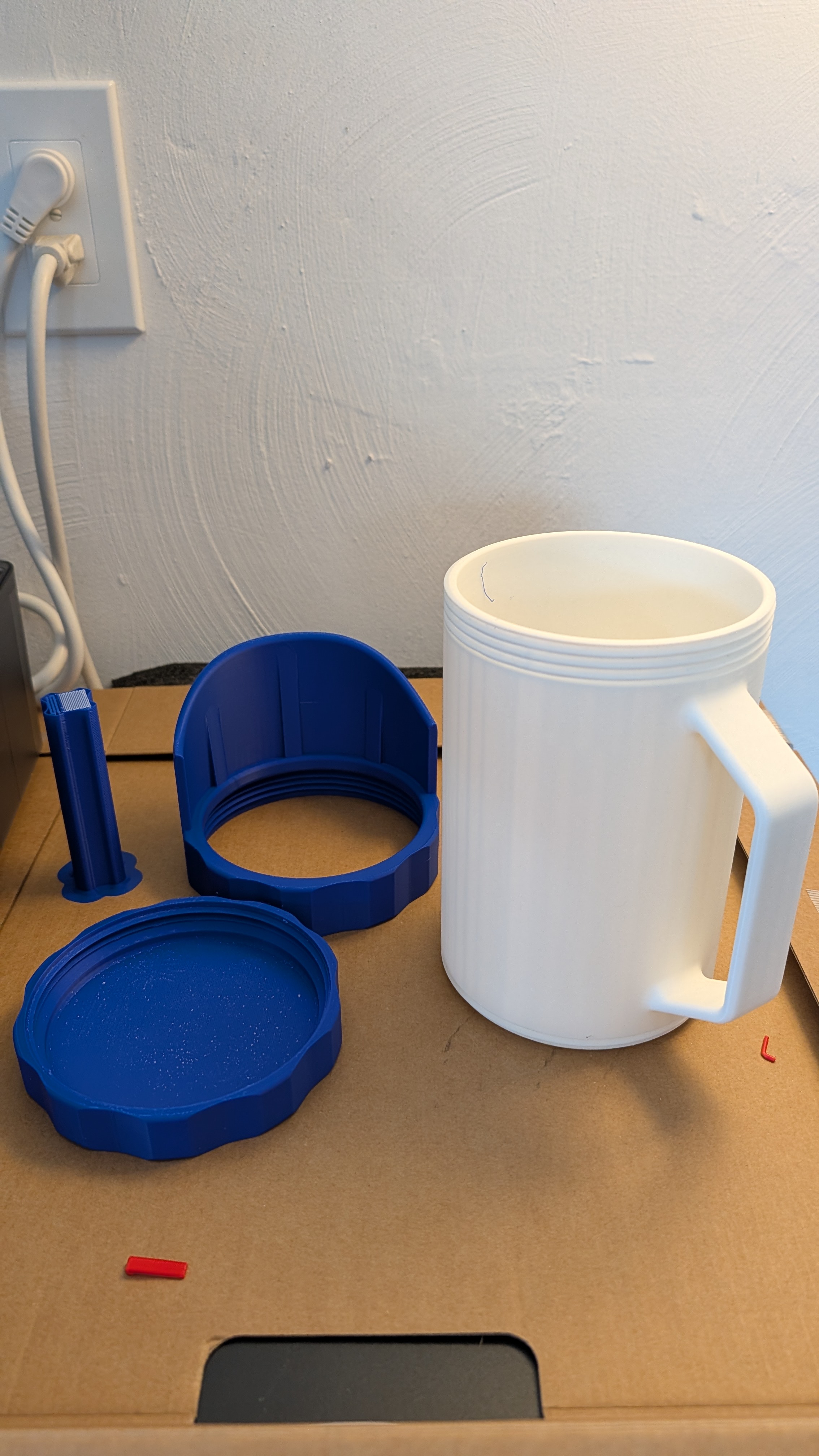
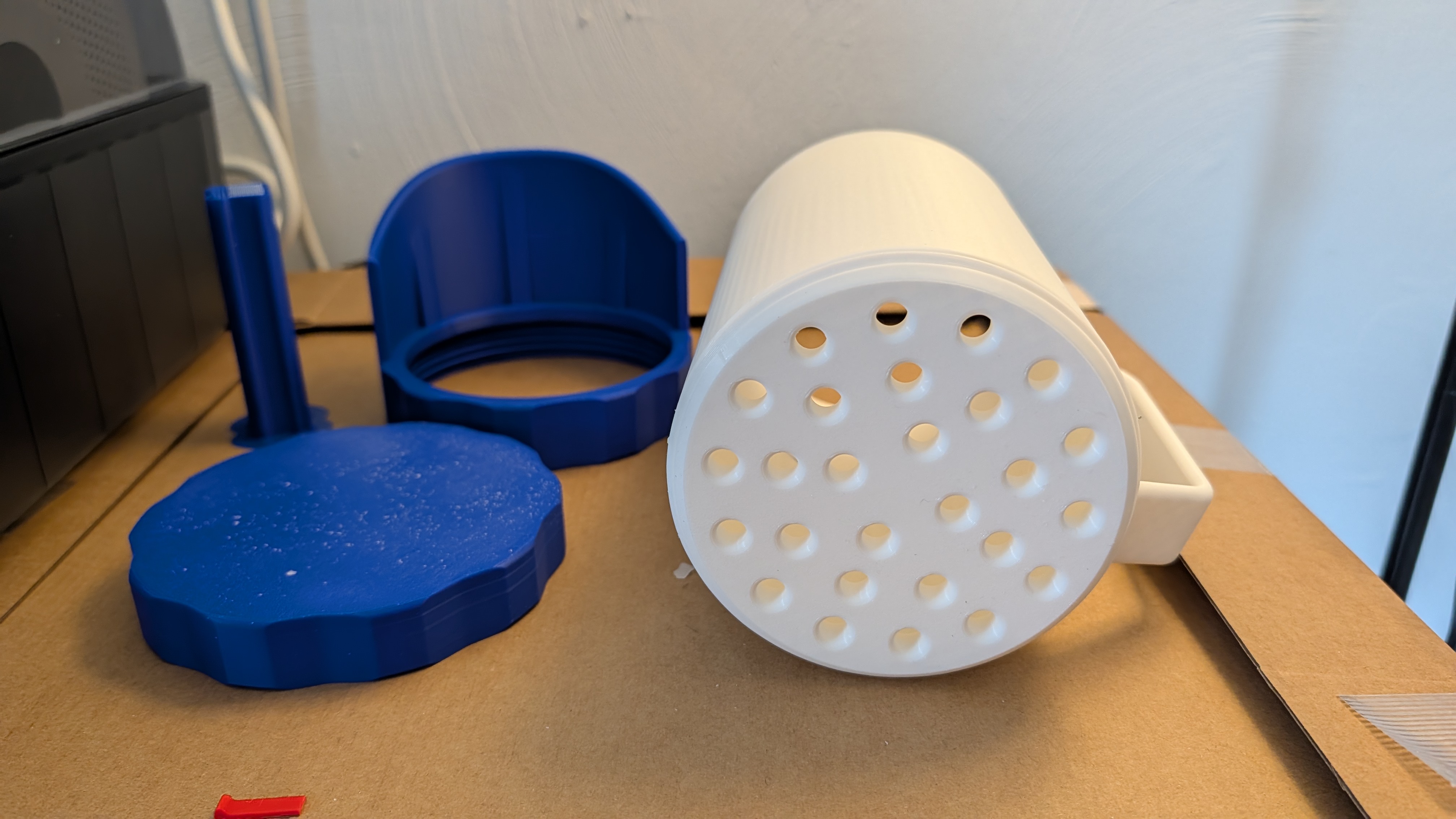
I remixed the original model to add holes on the bottom of the cup, allowing me to scoop the ice-melt, shake, and spread it evenly without much mess.
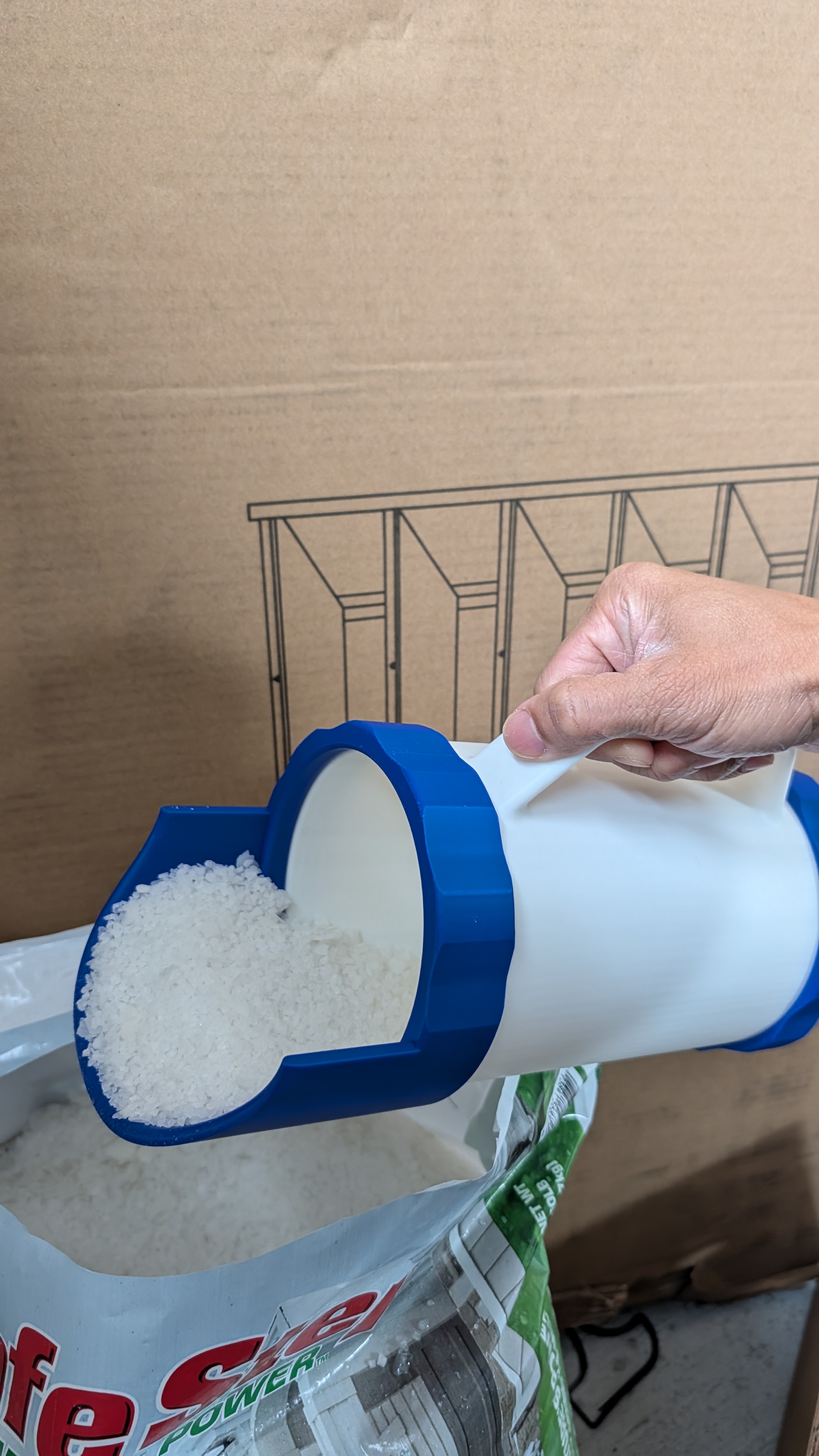
I also modified the scoop part because the original design had ice-melt spilling over the side edges. I made the scoop more enclosed to keep everything contained.
Modeling in Fusion 360
Things I learned while modeling:
-
First version of scoop: Real-world use differs from what you imagine in Fusion. The scoop in my first print looked okay but wasn’t useful because it was too small and not enclosed enough. When I scooped up the ice-melt, it spilled over the edge.
-
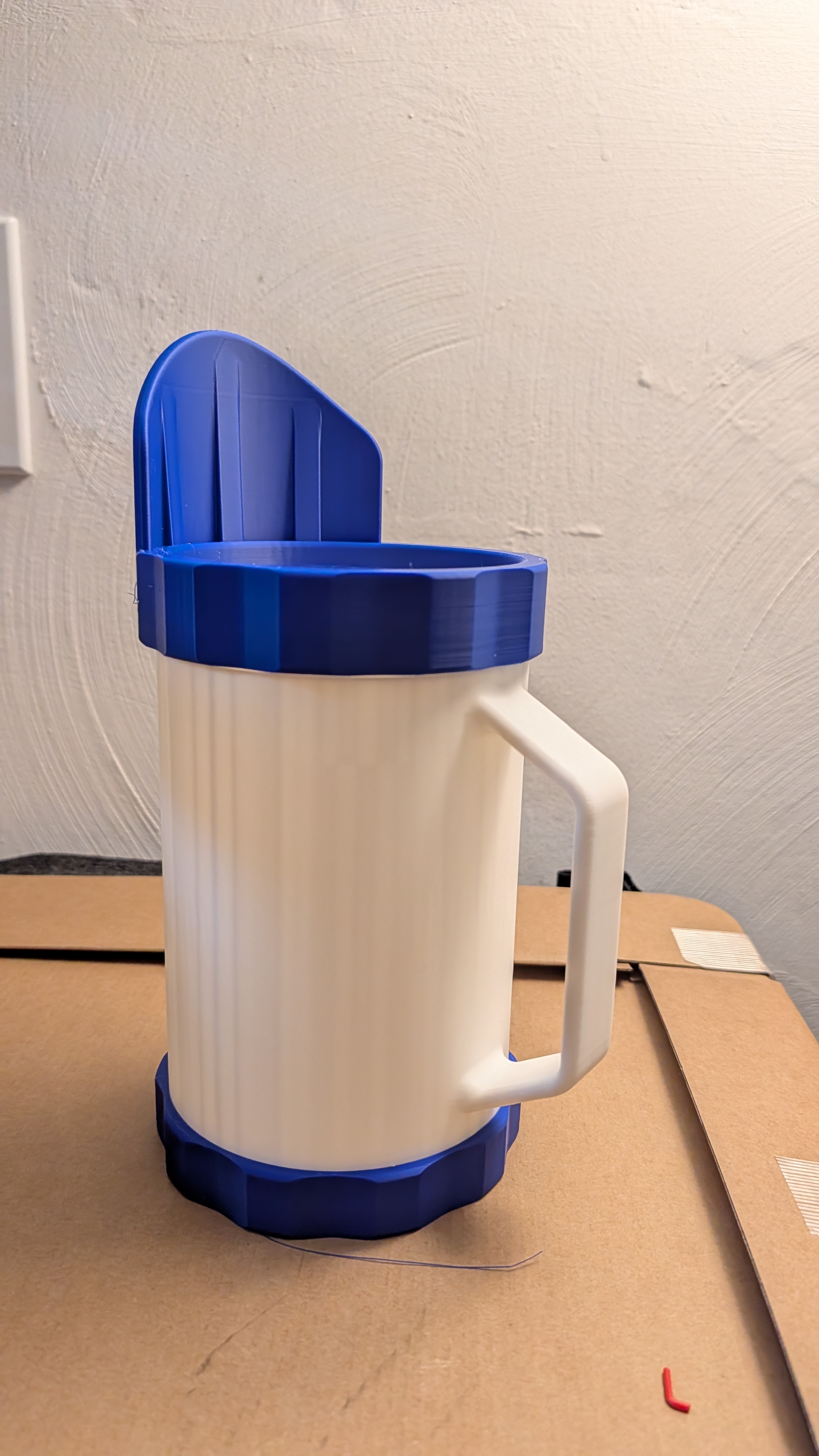
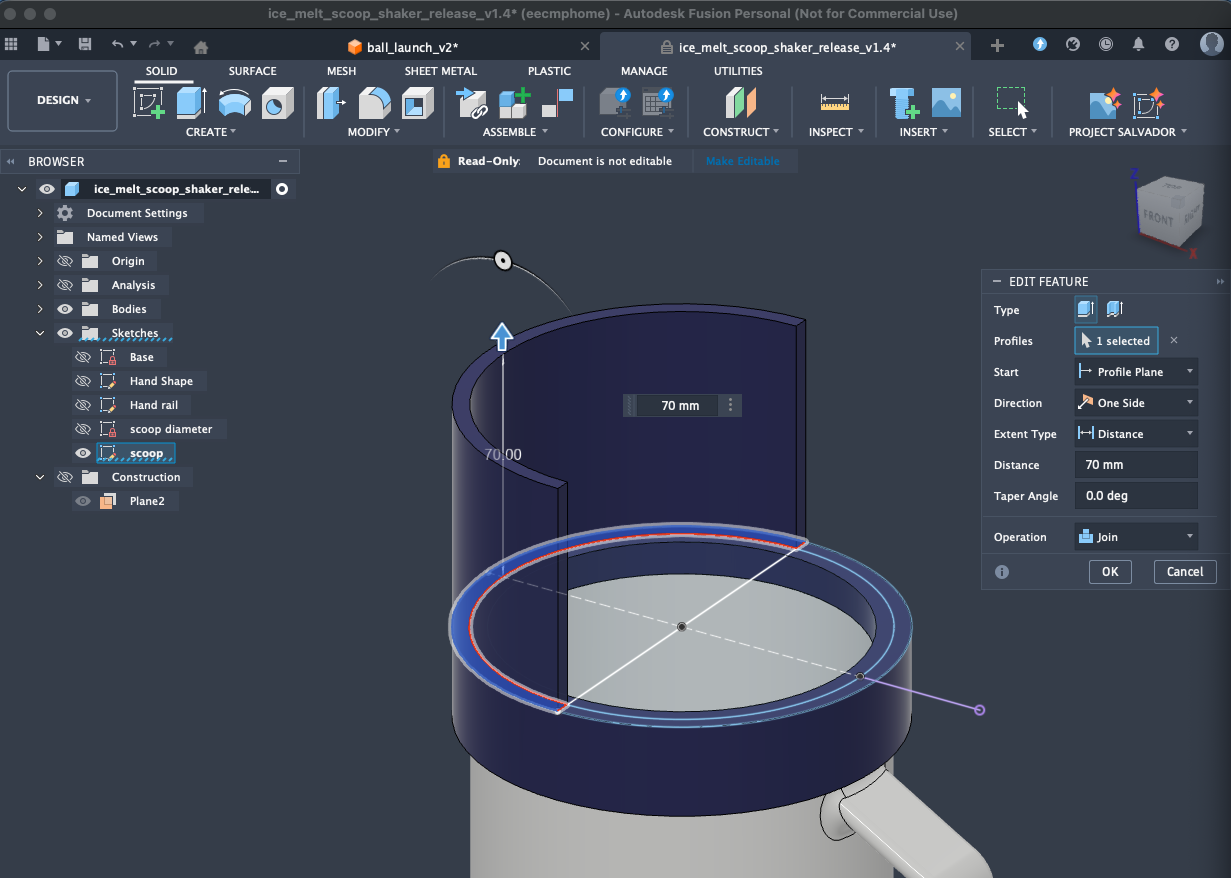
Second version of scoop: After seeing the problem, I made the scoop more enclosed—it means it’s a half circle as shown in the sketch:
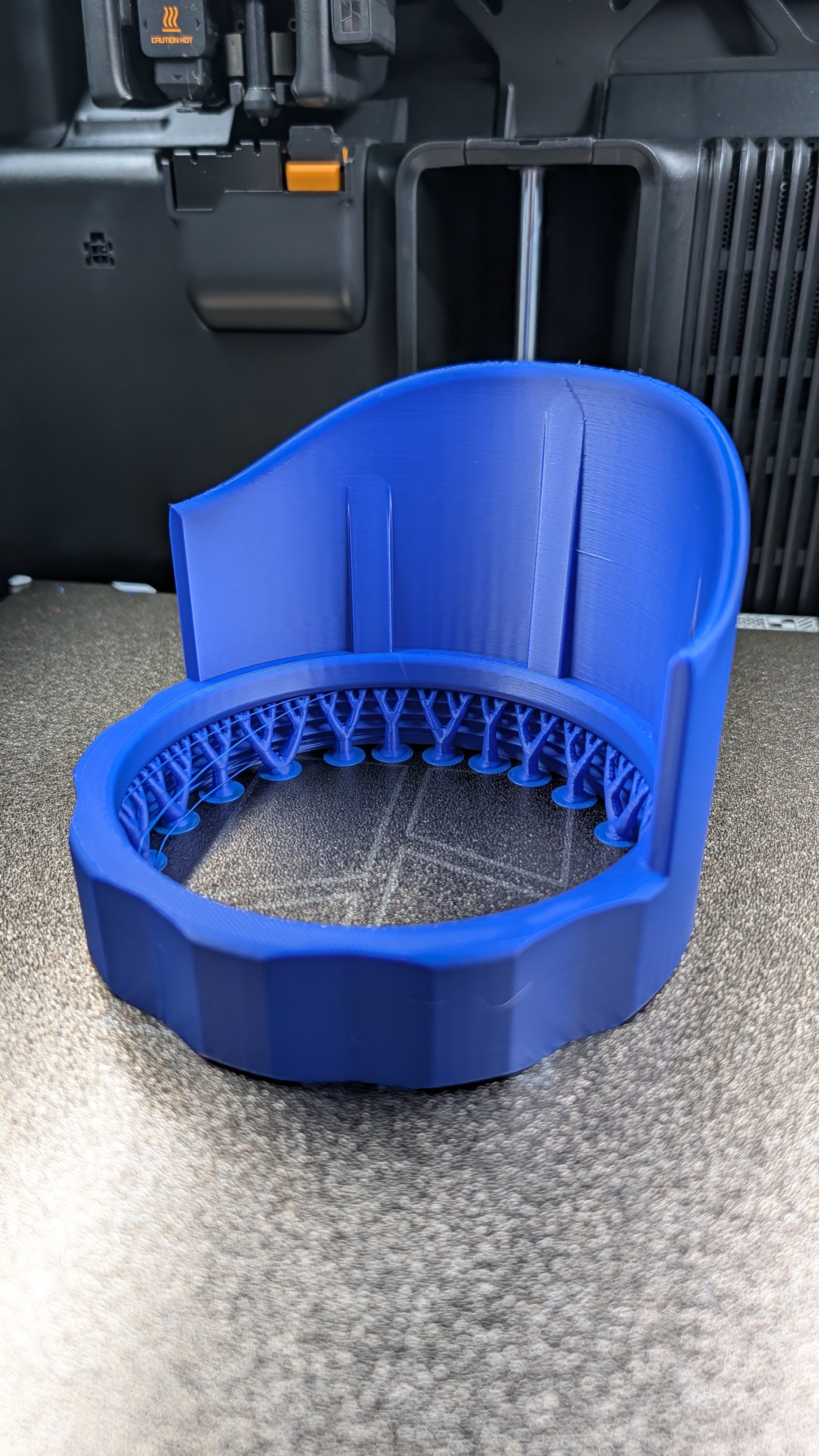
The end result is nice:
No more spilling:
-
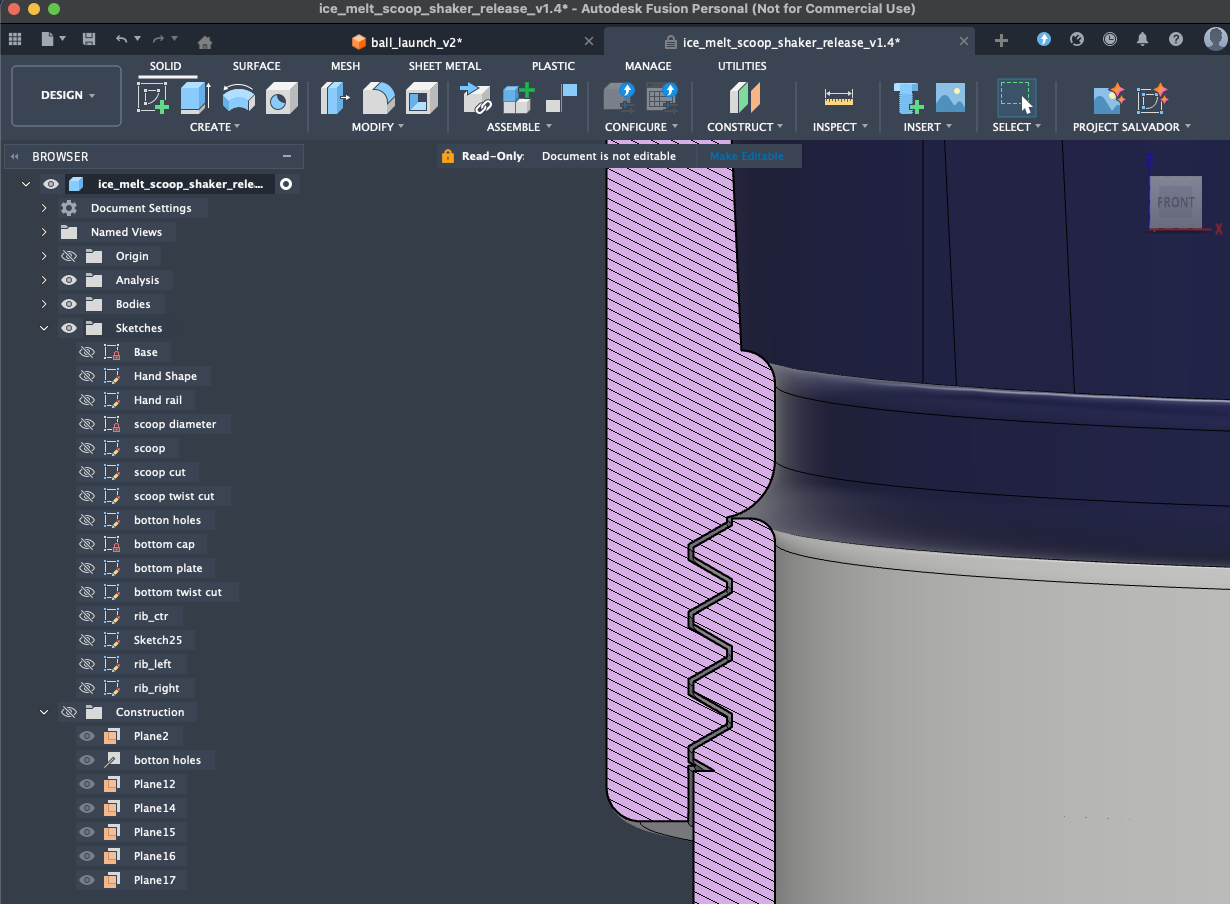
Learned to model threads: Mainly use the built-in thread feature and make sure there is clearance. I used 0.3mm, and the end result is just right—not too loose or too tight. Of course, there are tutorial YouTube videos mentioning 0.1mm/0.2mm clearance, but it really depends on the size of the thread and how accurately the 3D printer is tuned.
-
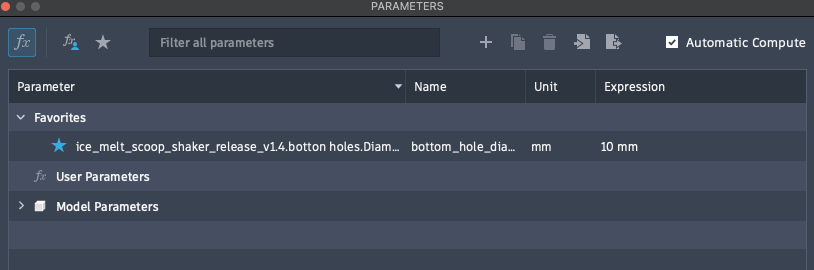
Parameters Design: For the bottom holes so I can easily change the hole sizes to fit different purposes.
-
Final Model
Printing Notes
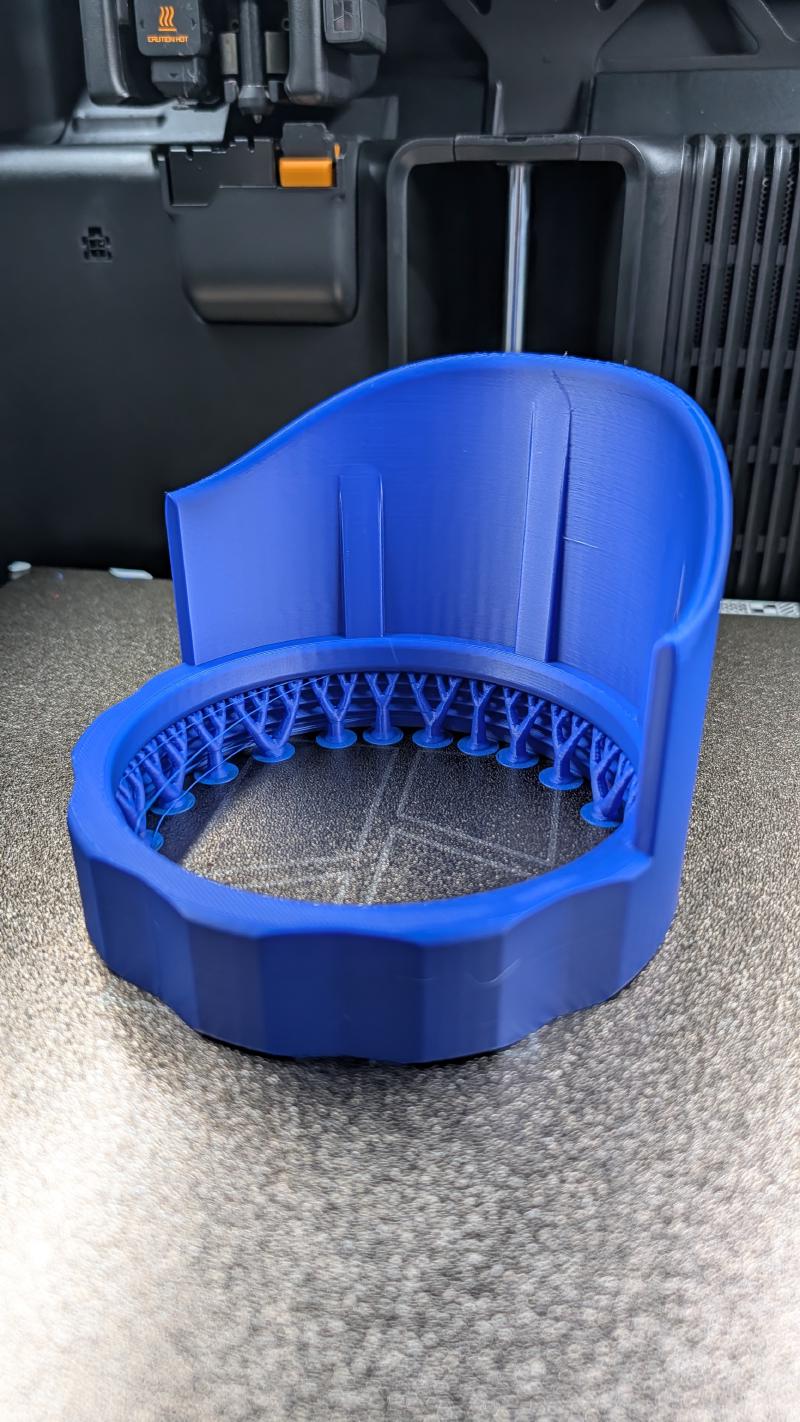
The only support needed is for the threaded scoop, as shown in the image above.
I didn’t turn on “avoid crossing walls” on the first print, resulting in minor stringing on the threaded scoop. For cleaner results, enable this setting
For me, using PLA is good enough. It holds up pretty well.
Model Usage/Resources
Attach the threaded scoop to the shaker. Scoop the ice-melt. Open the bottom cover and shake.
Note: I’ve attached the STEP raw 3D model. Hope you find it useful.
Updated 2026-01-14: Uploaded a parametric model where you can change the diameter of the bottom holes—enjoy!
Want to print this model? Check out the MakerWorld Profile.