Background/Motivation
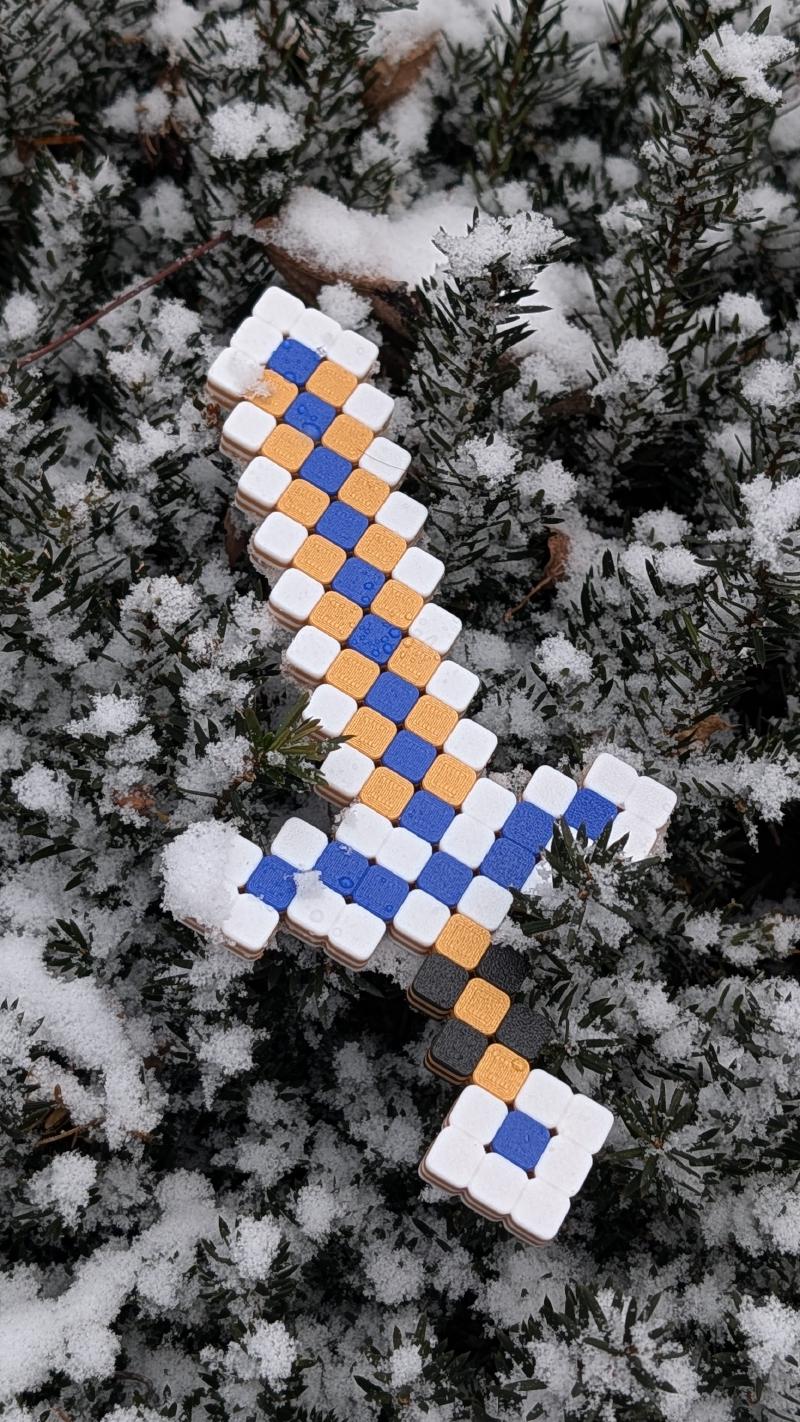
I parameterized this Minecraft sword with cube size and edge shaping, so anyone can print it in whatever size they want—tiny or massive.
Model Design/Modeling
The sword modeling is fairly straightforward, as you can see from the playback below. It starts with a 10mm × 10mm square and keeps repeating using the Rectangular Pattern along a construction plane/line of the first block. Of course, this is my “intuitive” way to do it—probably there is a better way? Let me know in the comments!
The challenge part for me is how to color the blocks in Fusion and preserve the coloring when importing to the slicer—in my case, Bambu Studio.
If I simply export a STEP file from Fusion and import it to the slicer, it just has a single color.
One way I found to preserve the coloring is to use Save as Mesh and export in OBJ format, then directly send it to the slicer. As you can see from the video, it preserves all the colors, and you are also free to remap with different colors.
This way seems to work, but I think it’s not user-friendly if someone gets the model from MakerWorld, because a user cannot remap the colors again as the model will become a single object in the slicer, as you can see from the video.
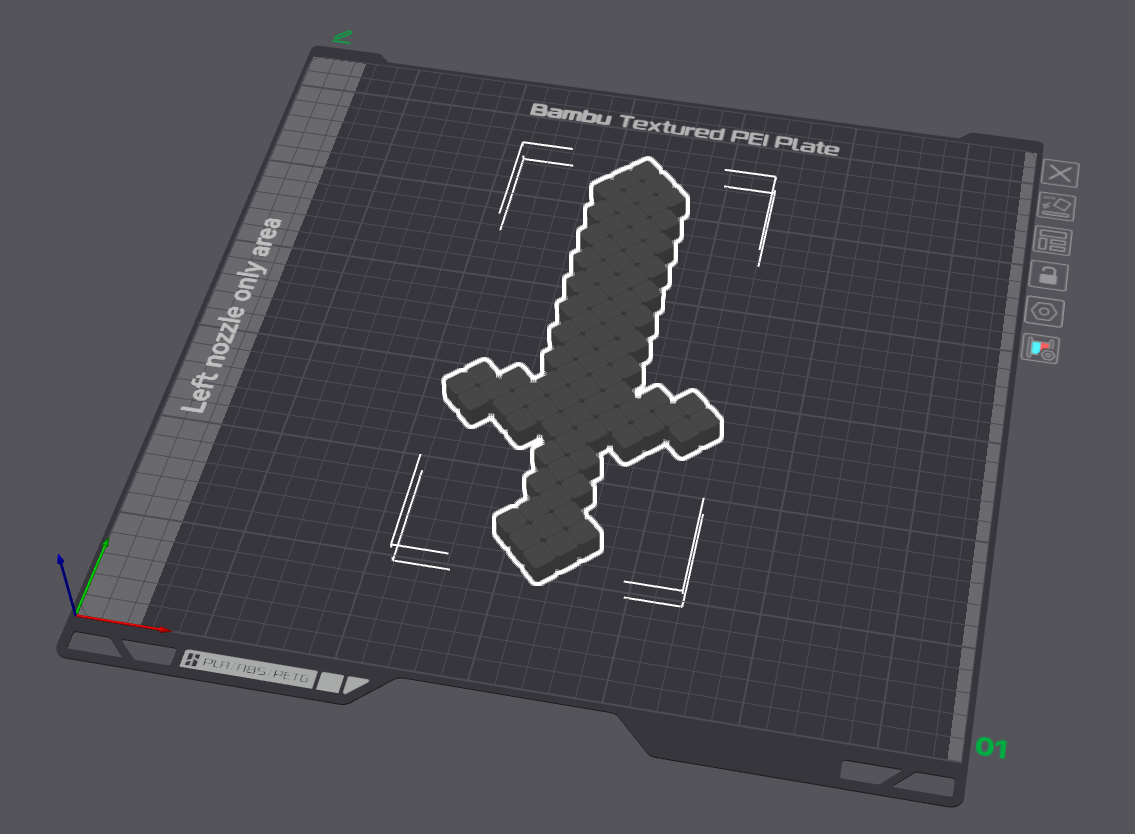
So, the compromise way is that I “group” the blocks into some “functional” groups in Fusion—like what I did, grouping them as “sword-edge”, “sword-flat”, “handle-middle”, etc. In this case, when you import the STEP to the slicer, all the component names will be preserved. What you need to do is select all the “parts” with the same functional group name, then you can change the color accordingly, as shown in the following video.
At the end, I colored the sword in the slicer and uploaded the print profile to MakerWorld.
Printing Notes
Super easy print. I used 4 wall loops and 30% sparse infill to handle my kid’s brutal play. Feel free to lower settings to save material and time.
Actually, one thing I noticed is that because the sword is formed by individual blocks, if they are different colors, when you slice the model, all individual blocks will have their own outer and inner walls—which makes sense—but in terms of the sword’s strength, it is a huge setback, as the sword definitely will not hold up with any brutal play. Therefore, I need to “print” two layers with the same color such that all the infill will cross all the blocks. This makes the sword hold up much better. This is the way I can think of to solve this problem. Leave a comment if you know a better way.
Resources
Want to print this model? Check out the MakerWorld Profile.